Excellent LiDAR scan quality
85 and above. Surfaces look complete enough to plan from.

ArchAI
AI Room & Home Planner: LiDAR
Scan Your Home. Create the Floor Plan. See It in 3D.
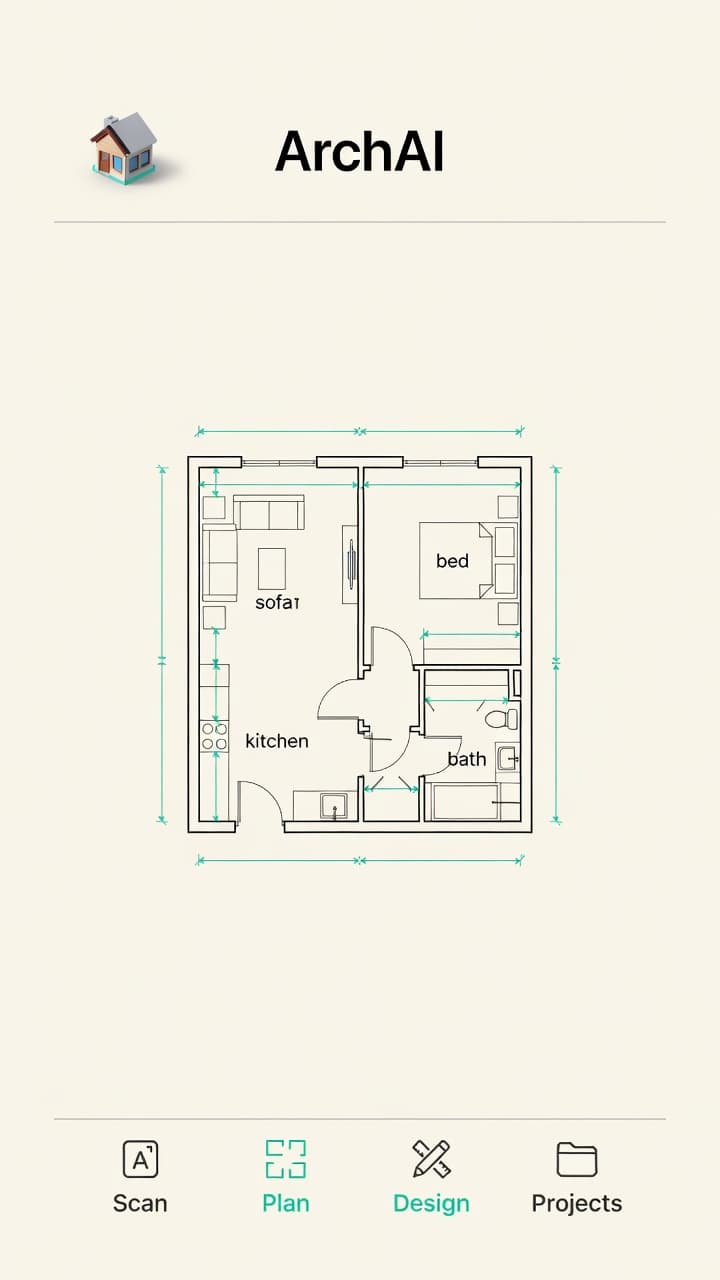
ArchAI is an AI Home Planner 3D for iPhone and iPad — a room planner, floor plan creator, and LiDAR room scanner that lets you scan rooms with real measurements, create and edit floor plans, visualize spaces in 3D and AR, measure objects, redesign rooms with AI, and organize home renovation projects.
Built for iPhone and iPad · iOS 17+ · Rated 4.2 out of 5 on the App Store (46 ratings)
LiDAR room scanning requires a LiDAR-equipped iPhone or iPad. Many planning and AR features work without LiDAR.

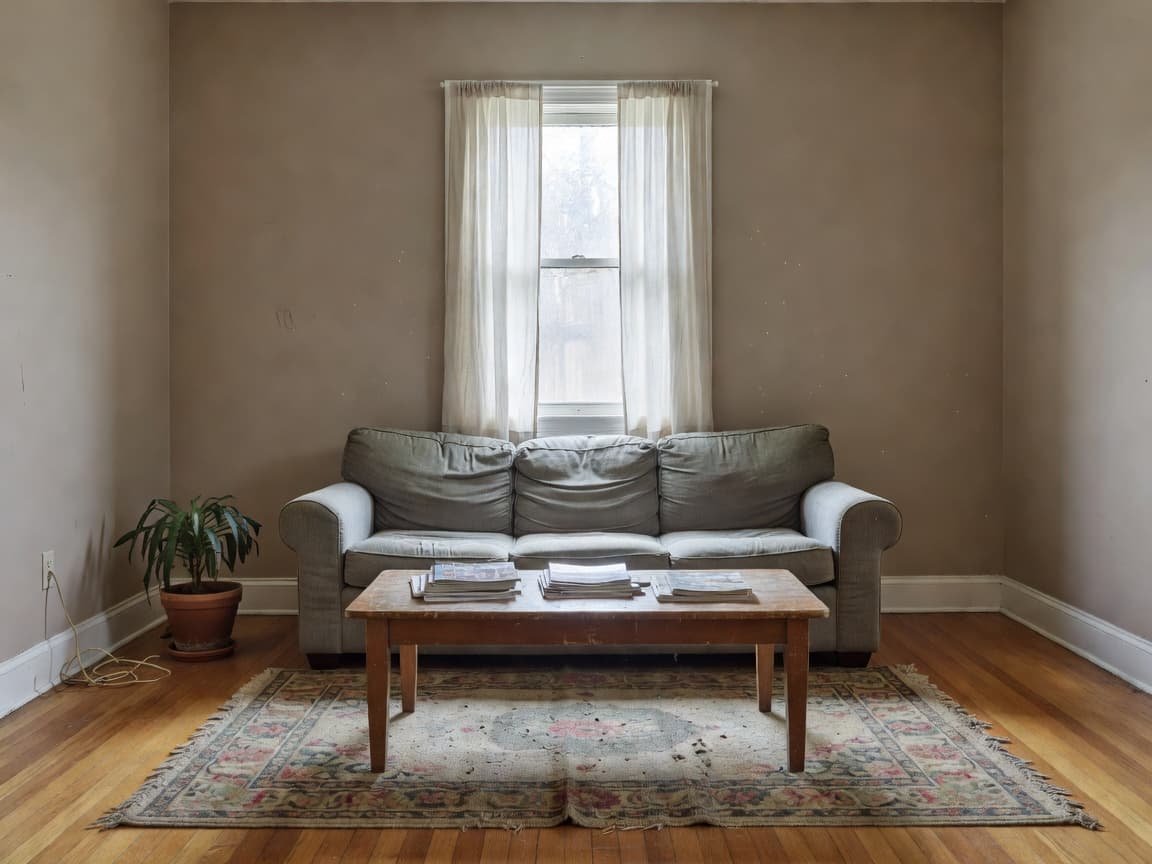
Drag the slider. Left is the room as it is. Right is a planned look from the same space.
Real room → LiDAR scan → 2D floor plan → 3D home → AI design
01 Real room
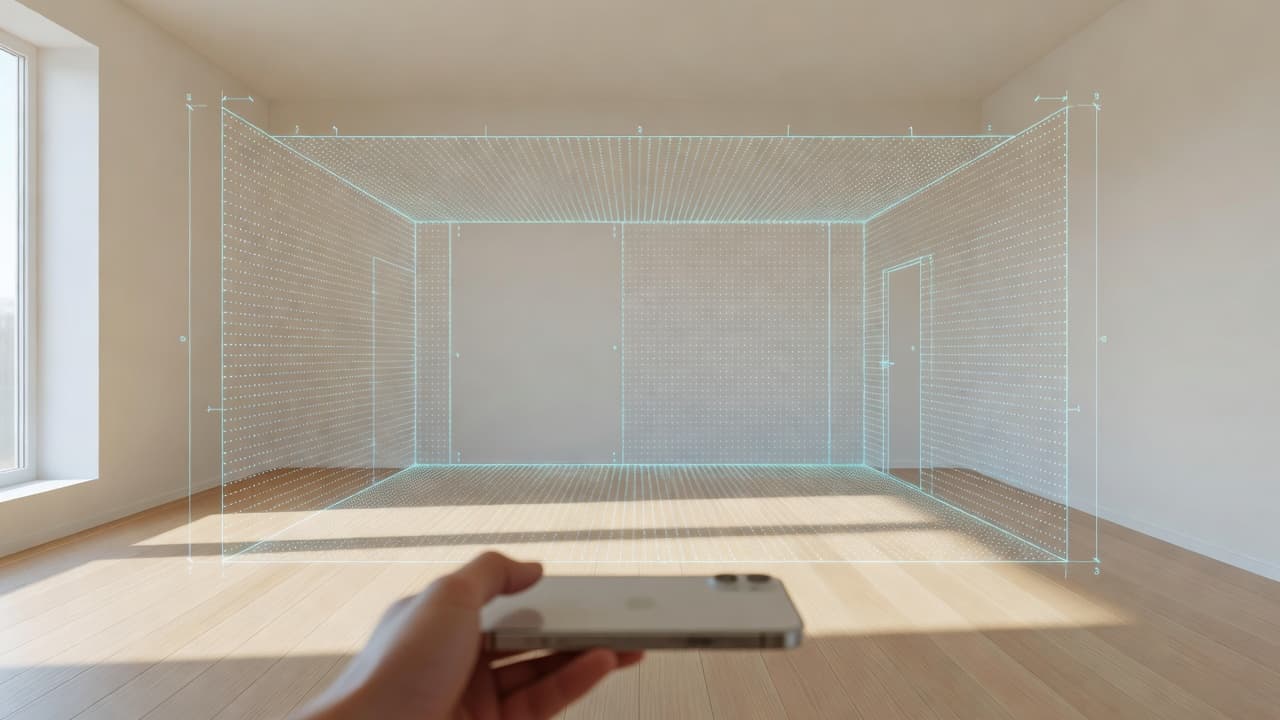
02 LiDAR scan
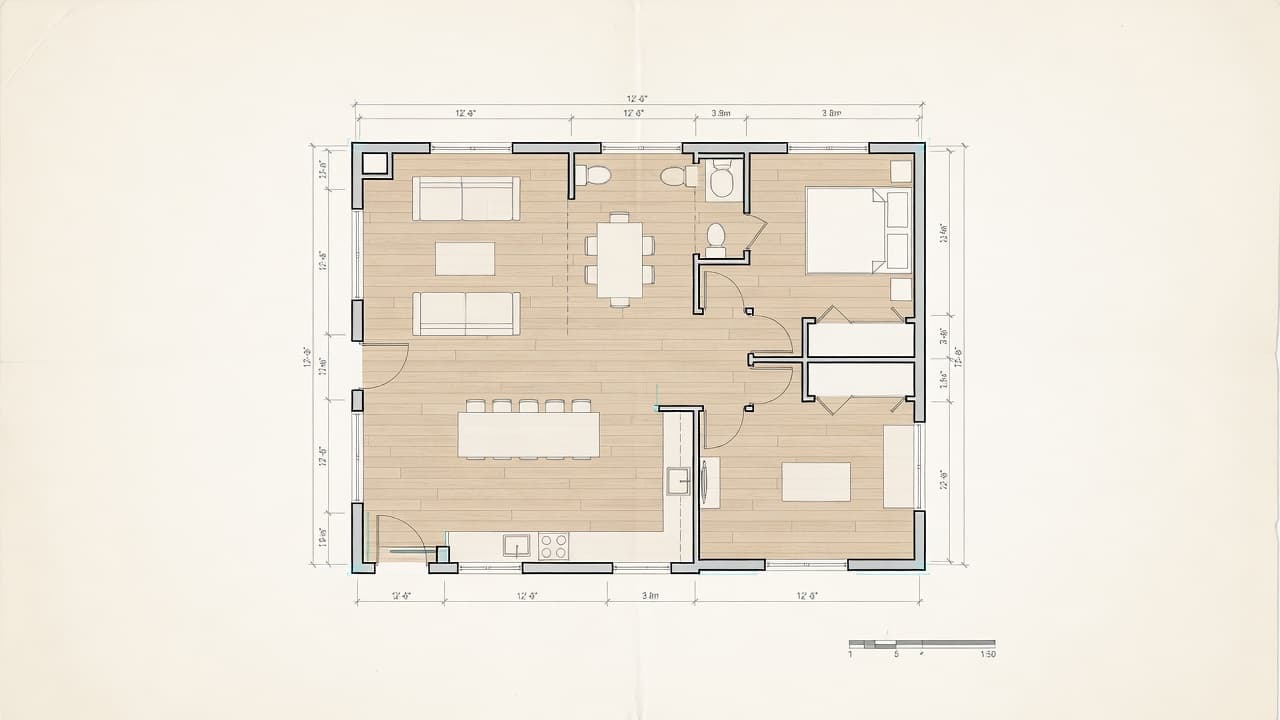
03 2D floor plan
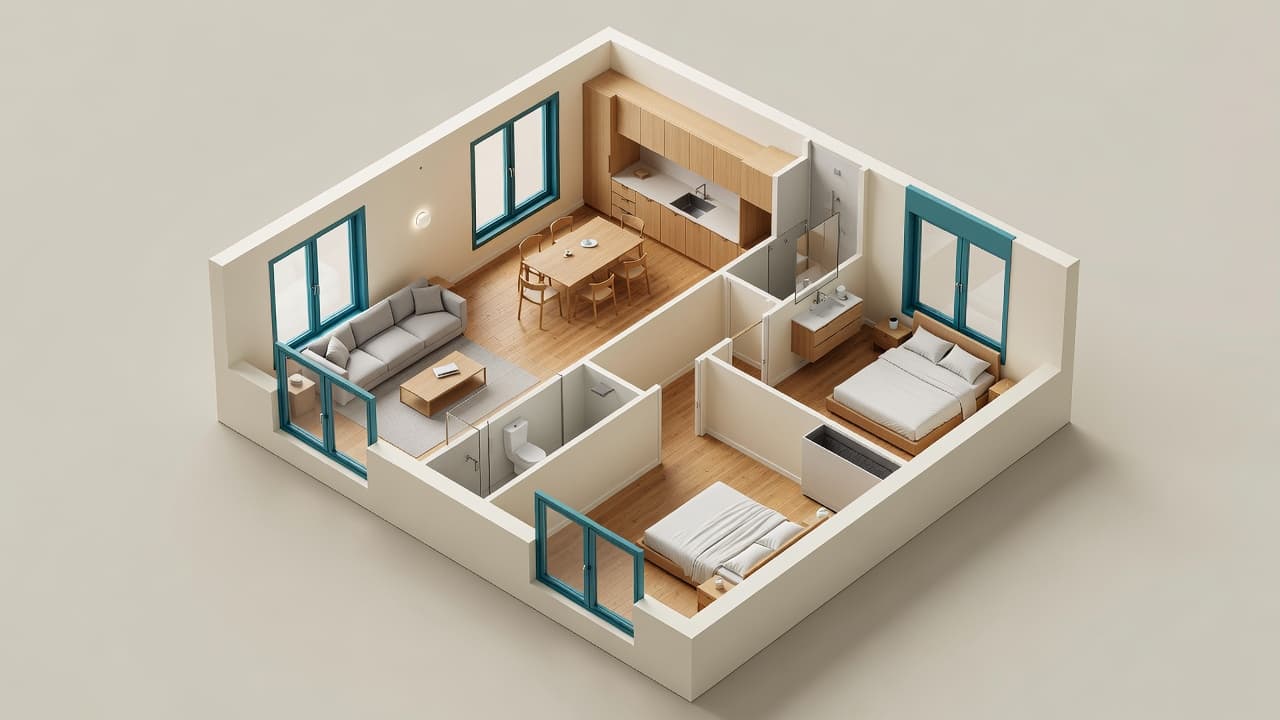
04 3D home

05 AI design
Primary answer
ArchAI is an AI Home Planner 3D for iPhone and iPad that combines LiDAR room scanning, measured floor plans, 2D and 3D home planning, AI-generated layouts, AR measurement, furniture planning, renovation estimates and AI interior design in one app. It is built for iPhone and iPad, uses Apple RoomPlan when LiDAR is available, and keeps scans, plans, and designs in one project. Measurements are planning aids; they are not certified architectural drawings.
Plain-language definition
An AI Home Planner 3D combines digital floor planning and three-dimensional visualization with AI-assisted workflows.
Depending on the app, AI may help generate layouts, detect rooms on a floor plan photo, suggest furniture layouts, modify plans through natural language, and visualize interior changes. ArchAI is one example that also adds a LiDAR 3D scanner, AR measurement, and furniture fit checking on iPhone and iPad.
Complete workflow
The home planning app follows a simple path: scan, measure, plan, furnish, check, visualize, design, estimate, and export.
01
Capture existing rooms with the LiDAR room scanner on a compatible iPhone or iPad.
02
Check wall, furniture, and gap distances with the AR measure app.
03
Edit or create a floor plan with the floor plan creator, templates, or AI.
04
Place real-size furniture from the furniture planner catalog.
05
Review overlapping pieces, blocked doors, and tight clearances.
06
Open a 3D floor plan, walkthrough, or full-size AR home model.
07
Generate AI interior design concepts from a room photo.
08
Calculate paint, flooring, wallpaper, and baseboard from measured areas.
09
Share a PDF report, 3D model, or CAD DXF file for Pro projects.
LiDAR Room Scanner
The LiDAR room scanner uses Apple RoomPlan to capture walls, doors, windows, openings, floor area, ceiling height, and supported furniture objects. A live chip counts what the LiDAR 3D scanner has already found while you walk the space.
After scanning, you get a floor plan, a scan quality score, wall information, door and window counts, detected furniture, and a 3D view. Save it to a project, open it in the floor plan creator, or export a PDF.

Scan quality
ArchAI scores scan quality from the confidence of detected surfaces. The grade is honest on purpose. A scan is not treated as universally perfect.
85 and above. Surfaces look complete enough to plan from.
70–84. Usable, with a few spots worth a second look.
50–69. The plan is there, but a rescan will usually help.
Below 50. Walk slower, finish the corners, and try again.
Tips appear when walls are incomplete, the floor is missing, windows or doors look uncertain, or furniture confidence is low. Accuracy still depends on lighting, motion, and the device in your hand.
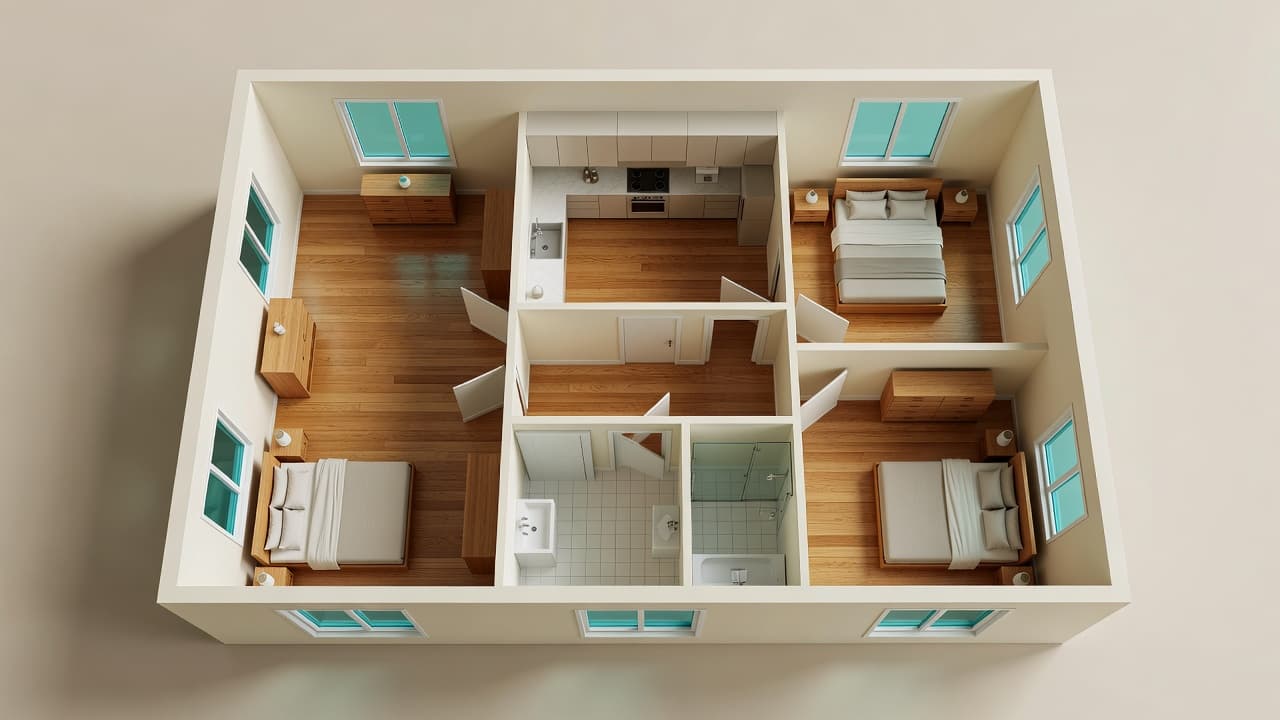
Whole home scanner
Whole Home Capture lets you scan Room 1, then Room 2, then Room 3, until the apartment or house is complete.
ArchAI tries to merge those rooms into one combined floor plan. If merging cannot finish, the individual room scans stay in the project. You still see room count, total floor area, a per-room breakdown, 3D, PDF, and DXF for Pro.
Wall measurements
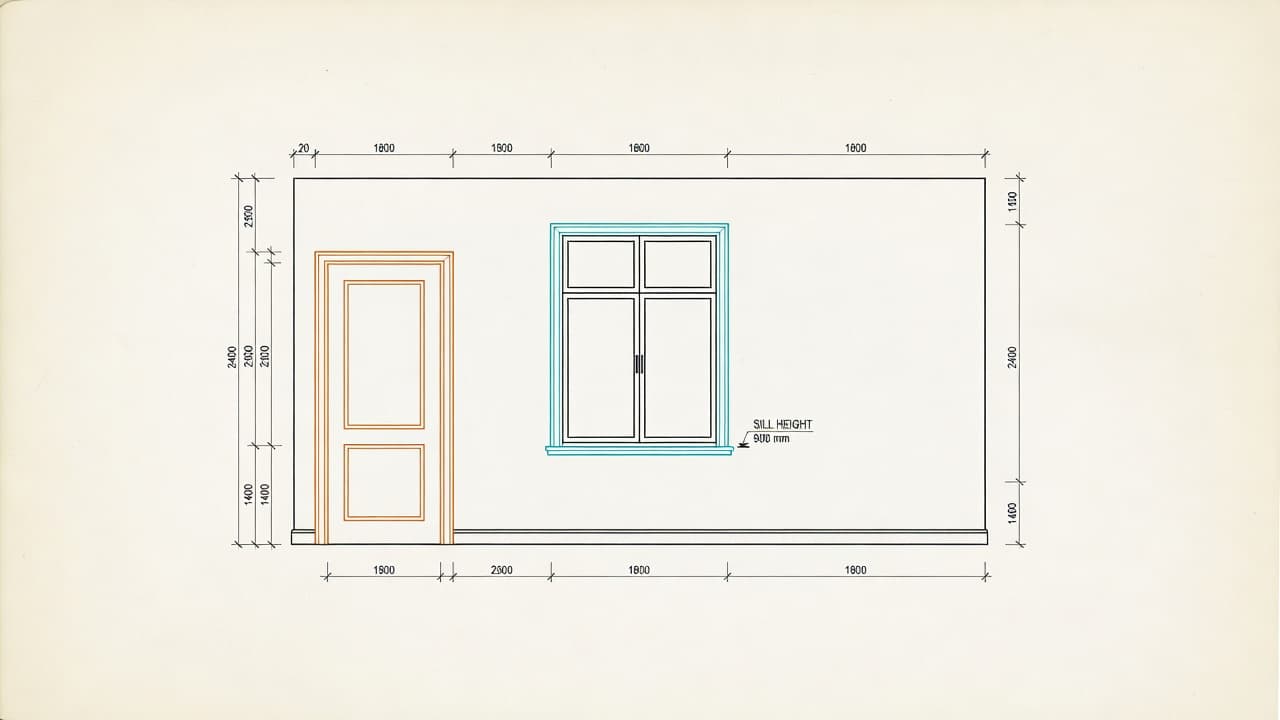
ArchAI can draw a straight-on wall view with doors, windows, openings, dimensions, and window sill height.
Those elevations help with paint, wallpaper, furniture, cabinetry conversations, and simple documentation. They are planning drawings. They are not an architectural certification.
Furniture detection
RoomPlan can recognize supported furniture categories. ArchAI records width × depth × height for each piece so you can add it to a shopping list or check the fit in AR.
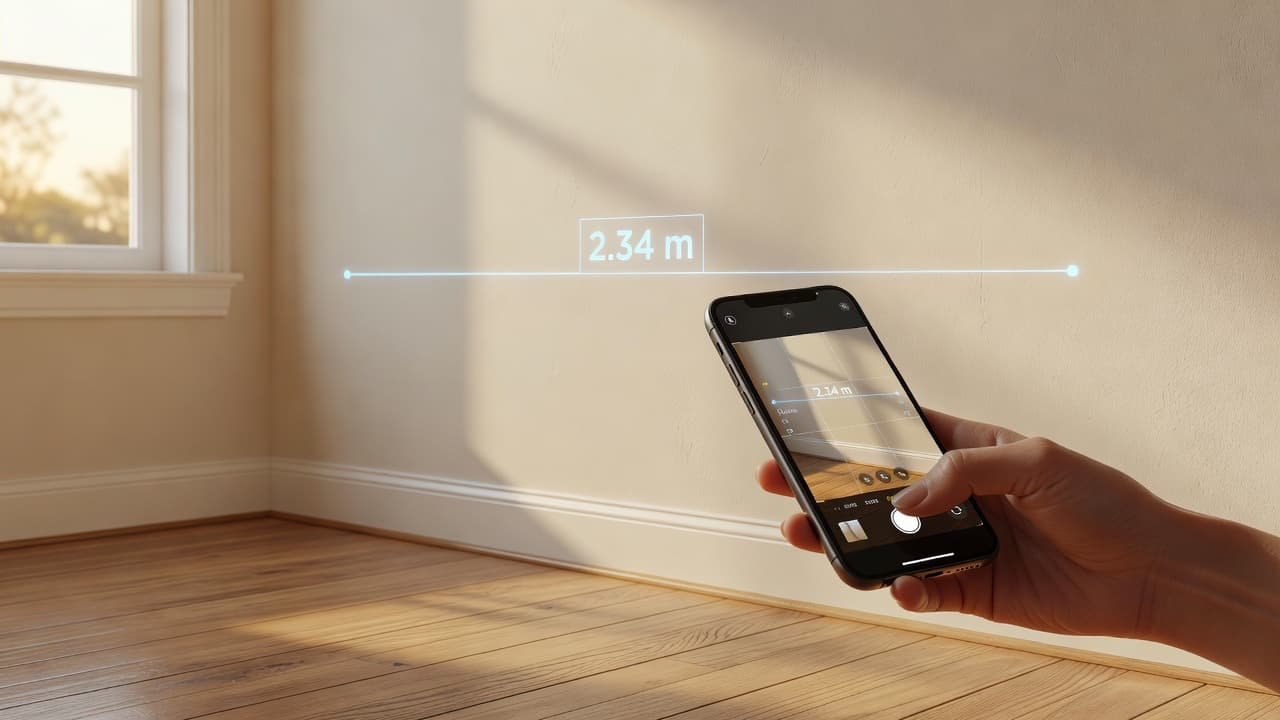
Room measurement app
Quick Measure is an AR ruler: aim, place a point, place a second point, and read the distance.
LiDAR improves surface understanding when it is available. It is not required for Quick Measure. When you are ready to buy a piece, check whether that sofa will fit.
Furniture planner
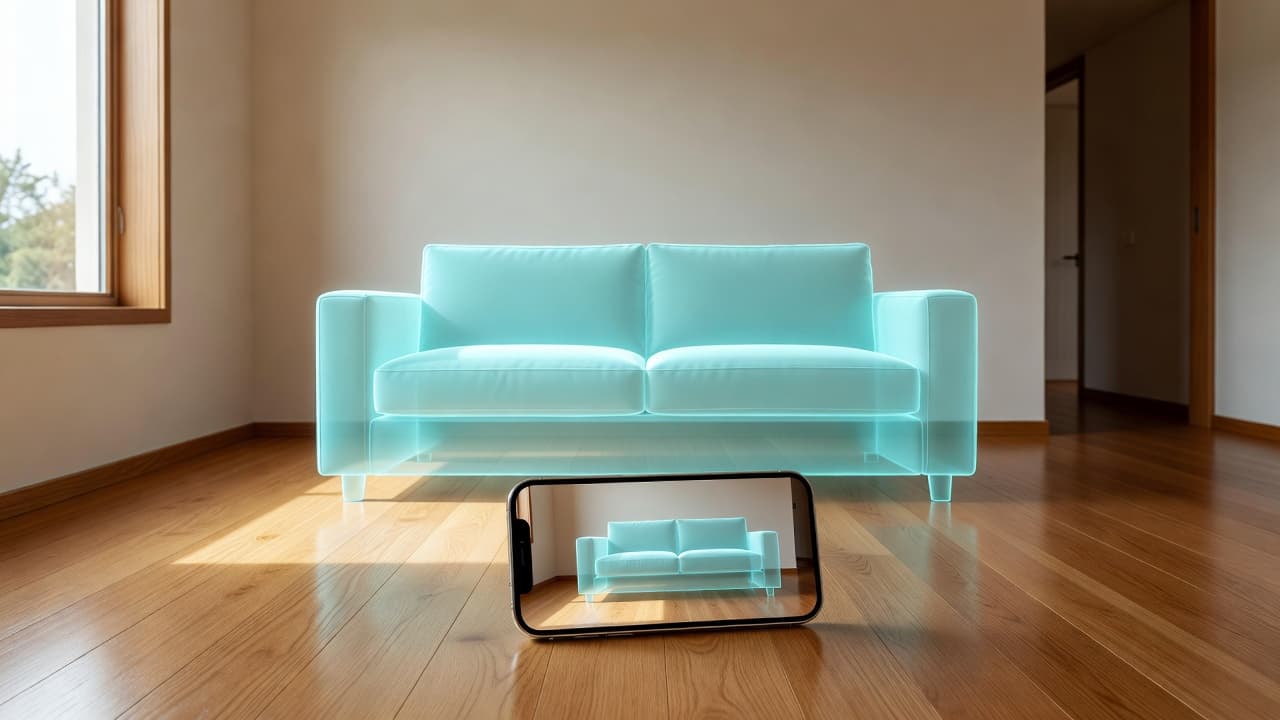
The AR furniture fit checker places a translucent 3D volume in the real room. Set width, depth, height, and rotation. Built-in presets include sofa, desk, double bed, refrigerator, wardrobe, washer, dining table, and bookshelf.
It is a size check, not a delivery guarantee. Door swings, stairs, and packaging still matter.
Floor plan creator
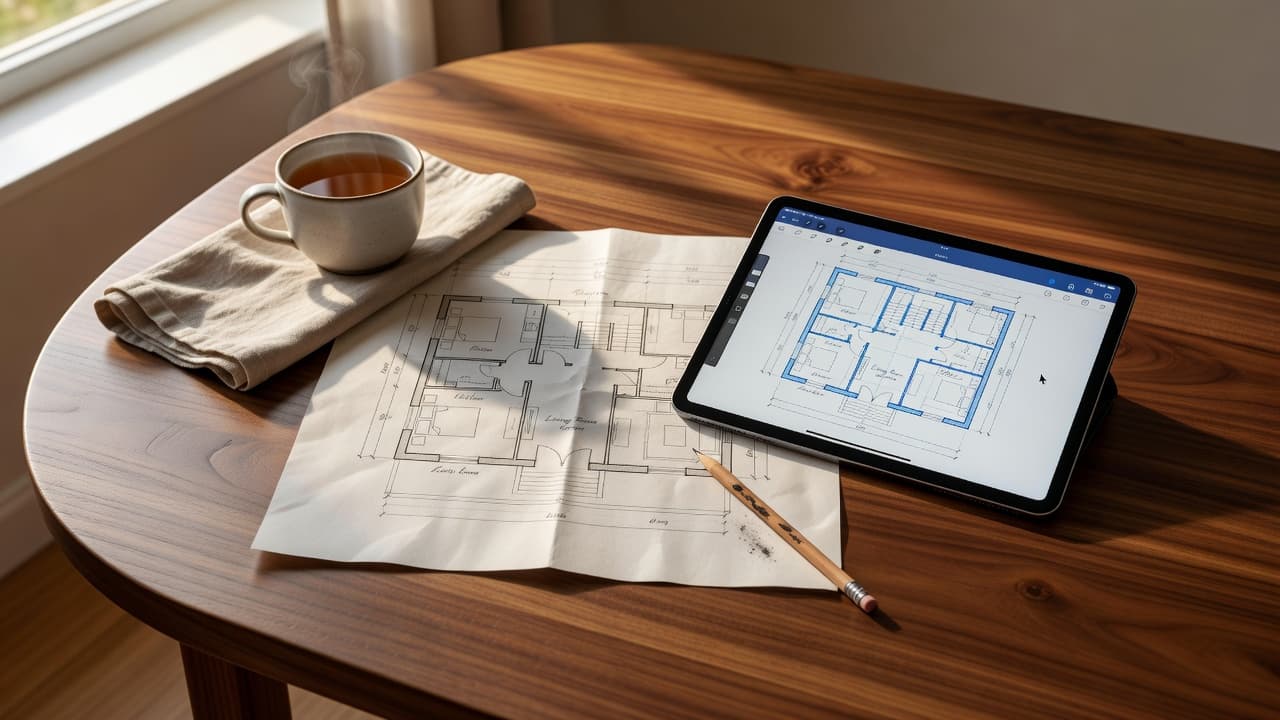
Start by drawing a room, sketching with Apple Pencil, generating an AI floor plan, opening a template, tracing a floor plan photo, or inserting a scanned room.
The floor plan design app includes rooms, walls, doors, windows, and 61 furniture items across living room, bedroom, kitchen, office, bath, outdoor, and space-saver categories. Free plans include a starter set; Pro unlocks the full catalog, extra floors, and CAD export. When the layout feels right, turn the 2D floor plan into a 3D home.
Import a paper plan or screenshot, calibrate two points, then trace or use AI room detection to turn the image into an editable floor plan. Plans can include up to ten floors, wall colors, and floor materials, and they sync with iCloud when that setting is on.
3D home planner
The 3D floor planner builds walls, doors, windows, and furniture at catalog height. Orbit the model, open a first-person walkthrough, record a 3D floor plan video, or place a mini or full-size home in AR.
AI room planner
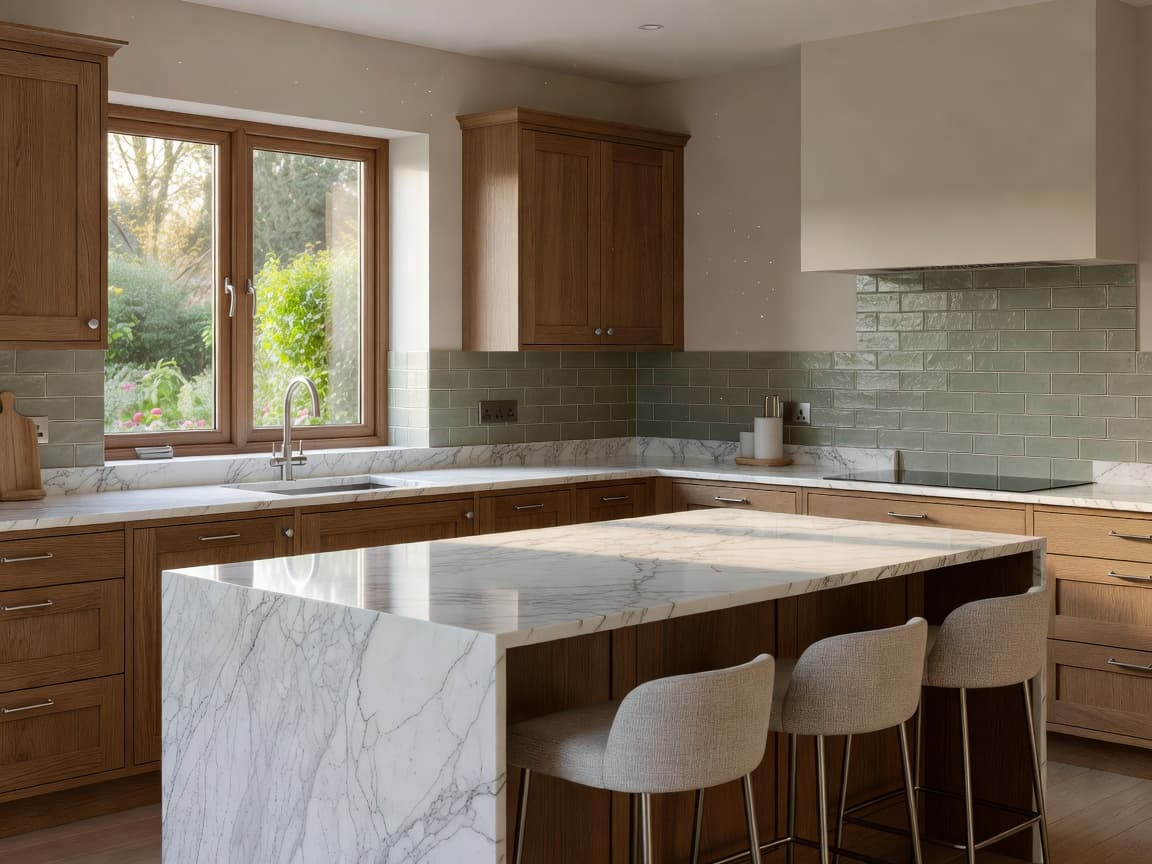
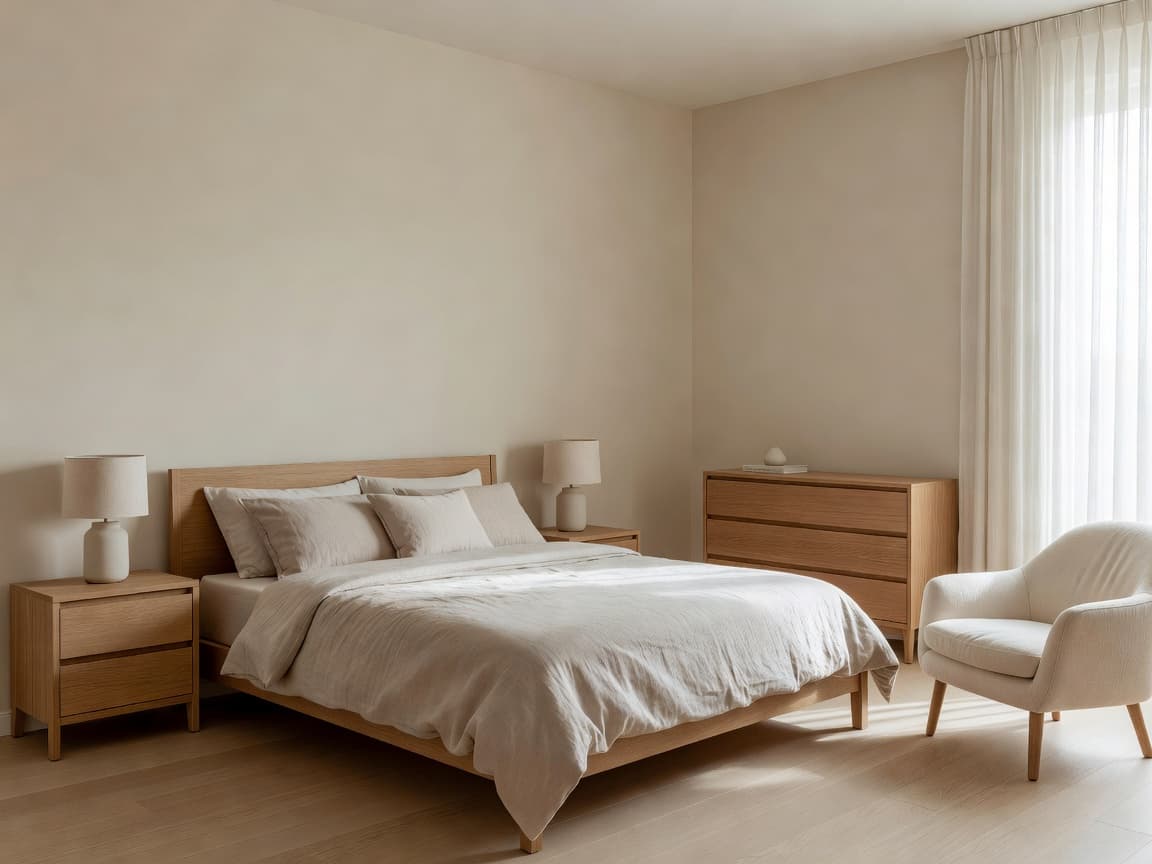
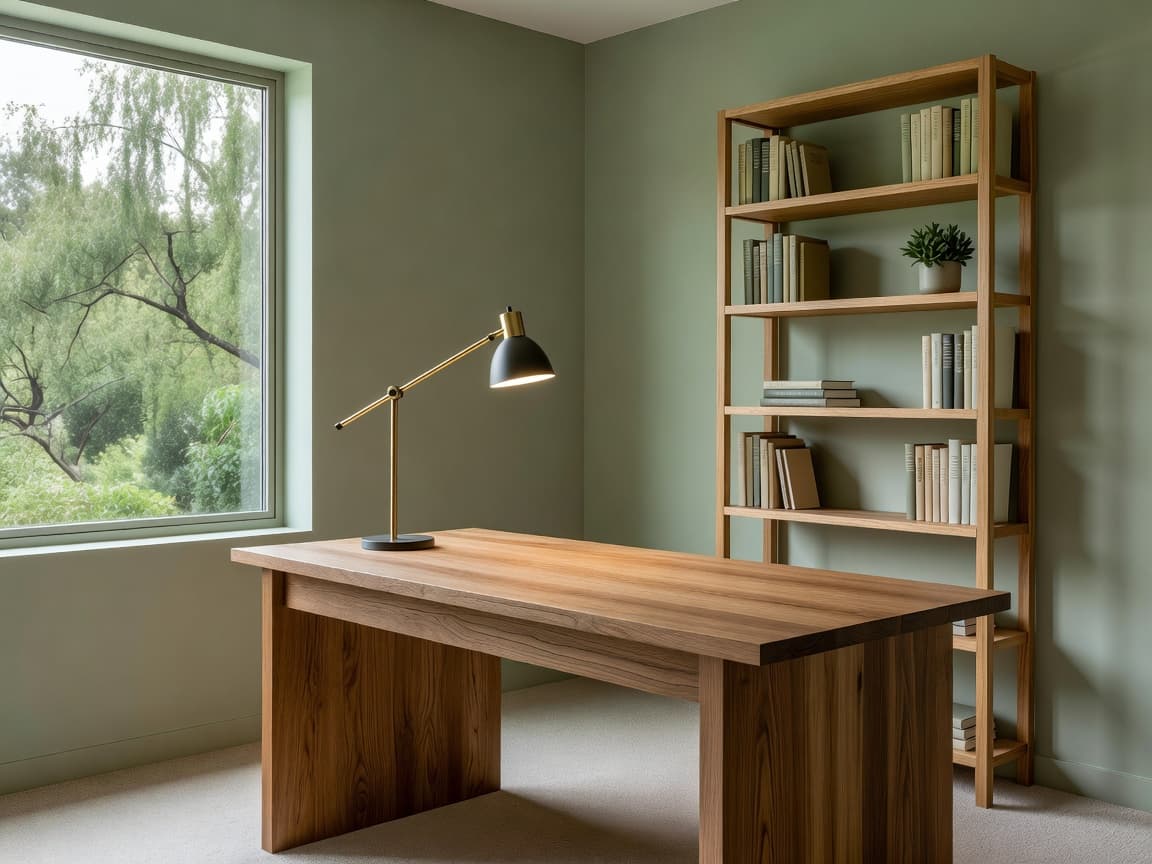
Design Studio starts from a photo. Choose a full makeover, replace furniture, repaint walls, furnish an empty room, match an inspiration photo, or clear the clutter.
You can also place your own products in your room from shop photos. Results are visual concepts. They are not construction documents, and they do not replace a designer or contractor.
Renovation planner
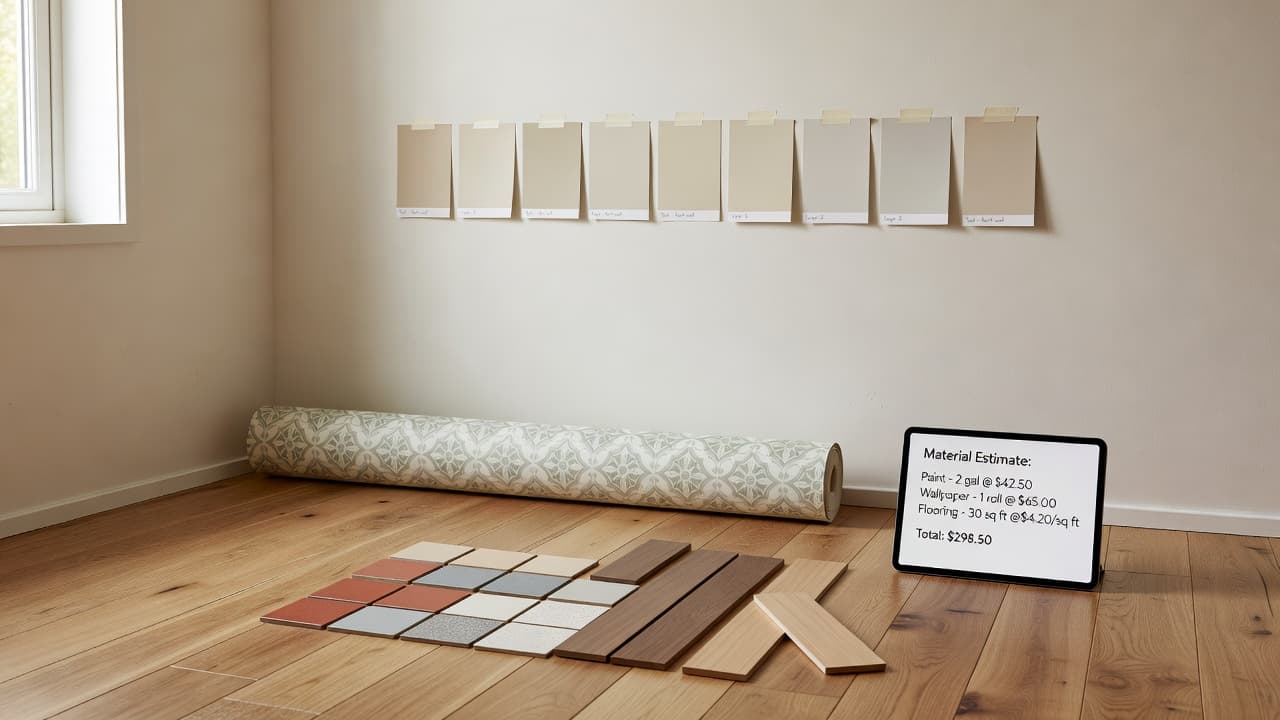
The renovation calculator uses floor area, ceiling area, and paintable wall area from a scan or floor plan.
Pro adds material quantities — paint litres, flooring with waste, wallpaper rolls, baseboard length — and editable prices. Totals are planning estimates with a range, not a contractor quote.
Moving planner
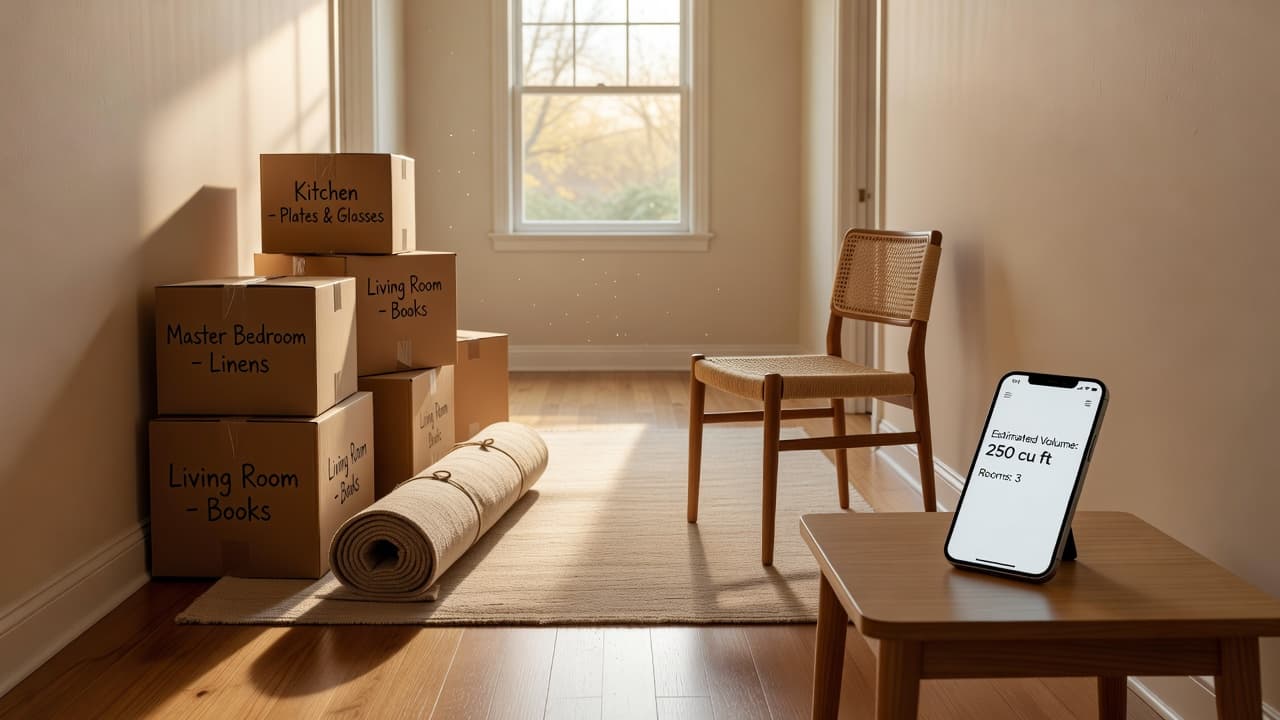
Select saved room scans to see furniture count, cubic volume, a box estimate, and a vehicle size suggestion from cargo van to a larger truck.
It is a starting point for a move, not a binding quote from a moving company.
Who it helps
Ask for layouts, furniture arrangements, and room ideas from real measurements.
Draw, trace, scan, or generate an editable measured floor plan.
Capture walls, doors, windows, and furniture with an iPhone LiDAR scanner.
Turn a 2D plan into a 3D house model you can orbit or walk through.
Measure a room with iPhone when the tape measure is in another drawer.
See if a sofa, bed, or desk will fit before it arrives.
Estimate paint, flooring, and wallpaper from scanned dimensions.
Try wall colors, furniture, and styles on a photo of the actual room.
Estimate furniture volume and a sensible vehicle size from room scans.
Plan a studio, one-bedroom, or small apartment with furniture that stays to scale.
Combine rooms and floors into one home layout planner project.
Keep wall elevations, PDF reports, and CAD files together for a project.
FAQ
ArchAI is an AI Home Planner 3D for iPhone and iPad. It is a room planner, floor plan creator, and LiDAR room scanner that helps you scan rooms, create measured floor plans, check furniture in AR, explore a home in 3D, estimate renovation materials, and try AI interior design ideas.
Yes. ArchAI is an AI Room Planner and AI Floor Planner as well as a 3D Home Planner. You can generate layouts from a short brief, detect rooms from a floor plan photo, ask for furniture layout ideas from real measurements, and edit a plan with natural language on supported devices.
LiDAR room scanning needs a LiDAR-equipped iPhone or iPad. Many other tools — the floor plan creator, AR measure, furniture fit checker, 3D preview, and AI room design — still work without LiDAR on supported devices running iOS 17 or later.
Yes. Whole Home Capture lets you scan room after room in one session. ArchAI tries to merge those rooms into a combined floor plan. If a merge cannot finish, each room scan can still be saved on its own.
Open Quick Measure, aim at a surface, place a point, place a second point, and read the distance. You can snap to surfaces, keep a running total, switch metric or imperial, and share the list. LiDAR improves surface understanding when the device has it, but Quick Measure does not require LiDAR.
The AR size checker places a translucent 3D volume in your real room. Set width, depth, height, and rotation, or start from presets such as sofa, desk, and double bed. It is a planning aid, not a guarantee that a piece will fit after delivery.
Yes. Import a paper plan or screenshot, calibrate two points with a real length, then trace rooms or use AI room detection to turn the image into an editable floor plan with doors and windows.
You can export PDF reports, USDZ 3D models, PNG floor plans, and — with Pro — DXF CAD files with layers for walls, doors, windows, openings, and furniture. Planning measurements are for home planning, not certified architectural drawings.
The renovation planner calculates floor area, ceiling area, paintable wall area, paint, flooring with waste, wallpaper rolls, and baseboard length from a room scan or floor plan. Totals are planning estimates. They are not contractor quotes.
No. AI room redesign creates visual concepts from a photo — makeover, furniture swap, wall color, empty-room staging, or style match. Use it to explore looks. It does not replace a designer, contractor, or building plan.
ArchAI is an AI Home Planner 3D for iPhone and iPad that combines LiDAR room scanning, measured floor plans, 2D and 3D home planning, AI-generated layouts, AR measurement, furniture planning, renovation estimates and AI interior design in one app. Free to download on iPhone and iPad. Pro unlocks extra floors, the full furniture catalog, CAD export, walkthroughs, and higher AI limits.
AI Room & Home Planner: LiDAR · iOS 17+ · Graphics & Design · Rated 4.2/5 (46 App Store ratings)